Waypoint

Terms

Last updated 29 November 2026

By using Waypoint you agree to these terms. They are short on purpose.

Using Waypoint

  • You must be old enough to agree to this where you live, and you are responsible for your account.
  • Don’t misuse the app: no attacks on it, no automated scraping, no attempts to get around its limits, and nothing illegal or abusive.
  • You keep what you write. You let us store and show it to the people you share it with, so the app can work.

Plans are suggestions

Routes, guides and costs are drafted by an AI model and may be wrong or out of date. Prices are estimates. Check opening times, bookings, visas, permits, weather and safety before you travel, especially for treks and remote places. You travel at your own risk.

Photos

Place photos come from Wikimedia Commons under their own licences, and the author and licence are shown with each photo.

Limits and changes

We may limit how much of the planner you can use, change or remove features, and suspend accounts that break these terms. The app is provided as it is, and to the extent the law allows we aren’t liable for losses from using it.

Questions: write to the contact address on autofieldwork.com.
Waypoint

Plan trips together

Your whole trip on one map.

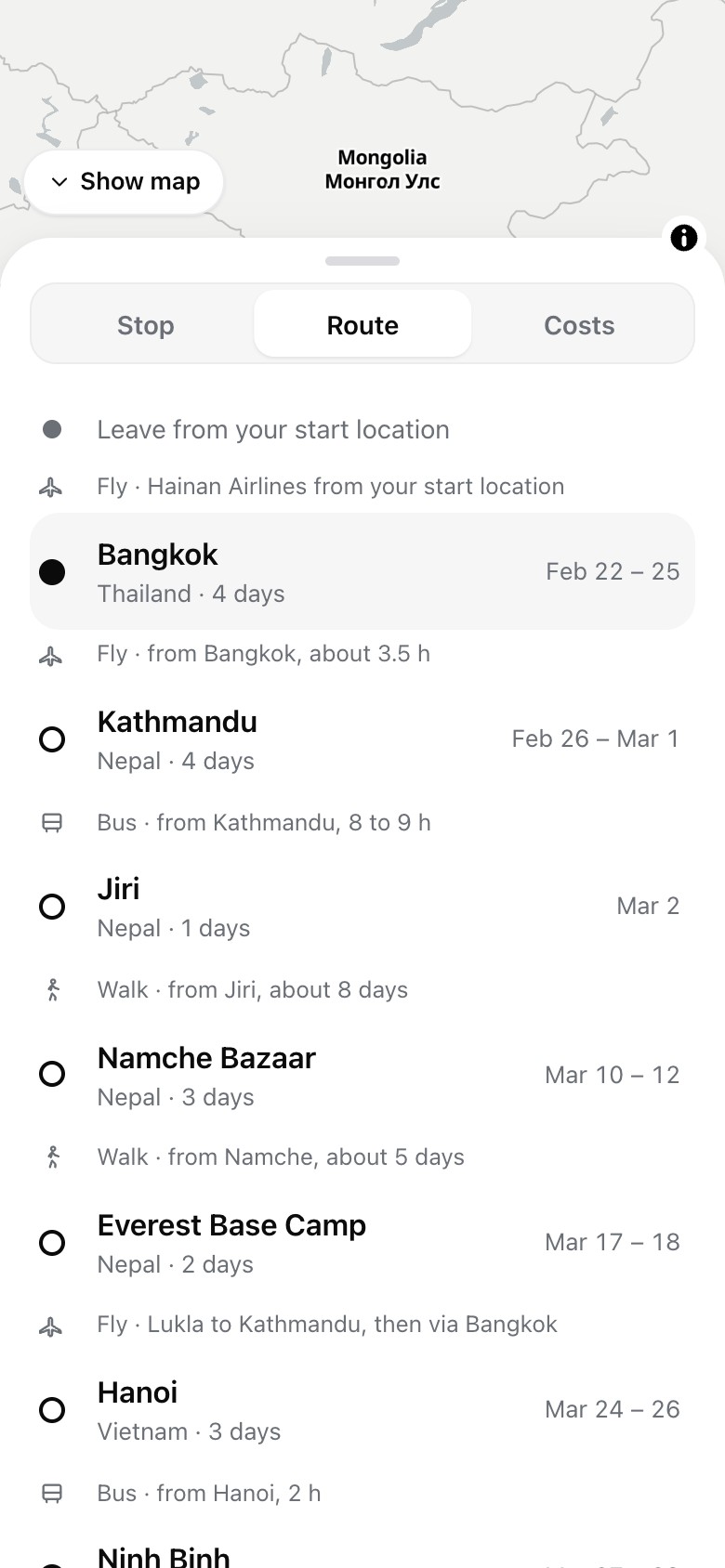
Tell Waypoint where you want to go. It drafts the route, the costs and a guide for every stop, then you plan it with your friends, in your pocket.

Waypoint is made for your phone

Point your camera at the code, or open waypoint.autofieldwork.com on your phone and sign in with Google.

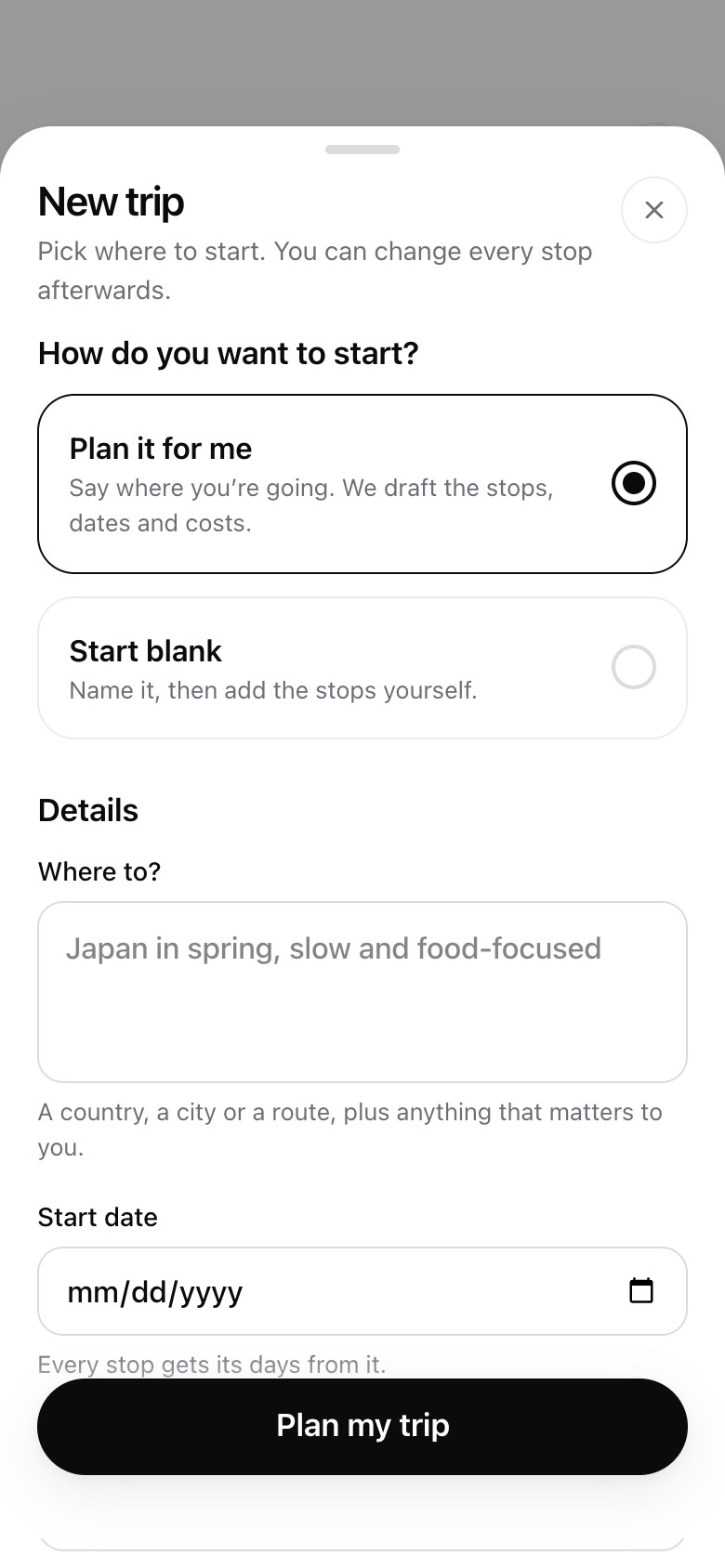
The New trip screen, where you type where you want to go and when

Say where and when. Waypoint drafts the whole trip.

Everything a trip needs, in one place

  • Tell it where, get a trip

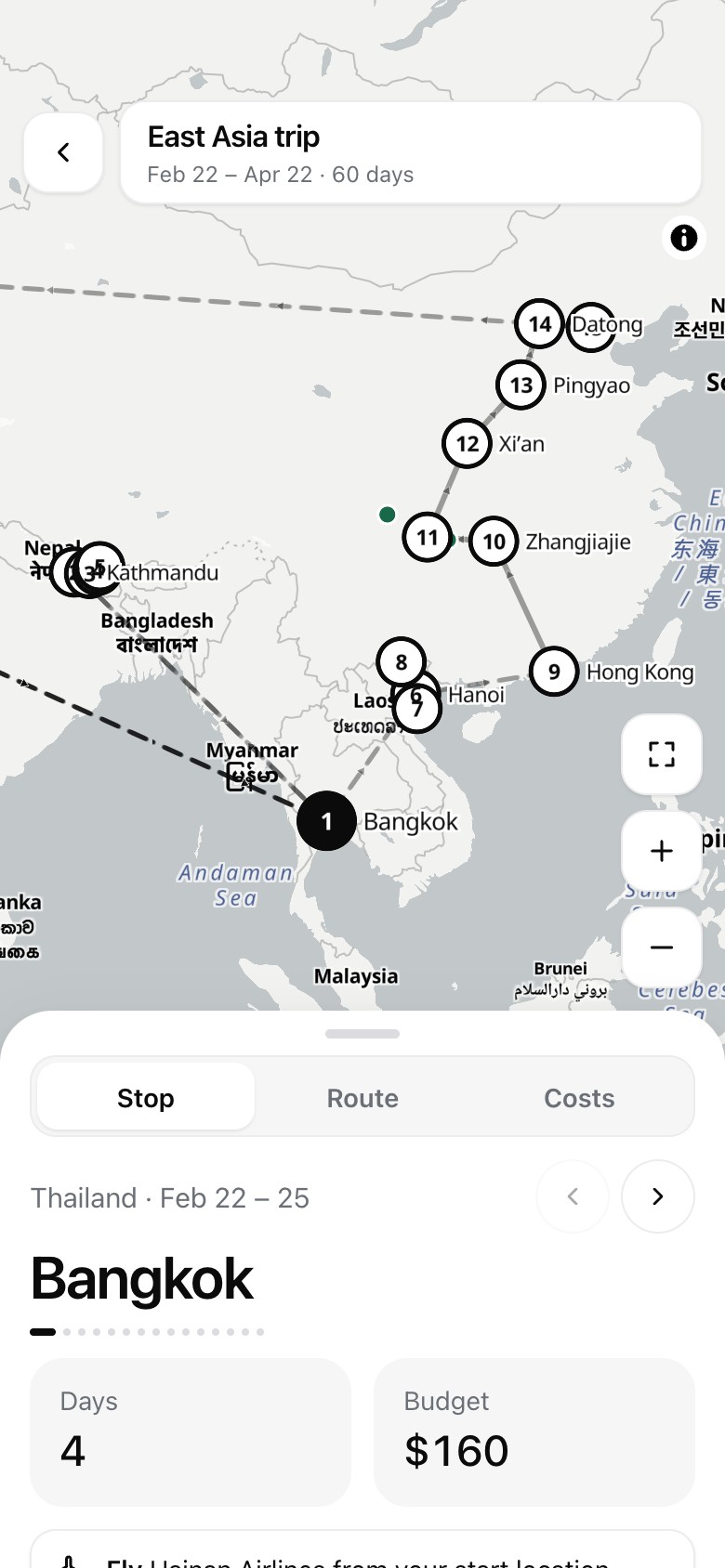
    Type a destination, dates and a budget. Waypoint drafts the route, the costs and a guide for every stop, with each place pinned on a real map and checked against a geocoder.

  • Made for people who love the outdoors

    Say what you love: nature, adventure, food. You get trails, wildlife, viewpoints and the signature and underrated local food, not another list of city cafés.

  • One map for the whole route

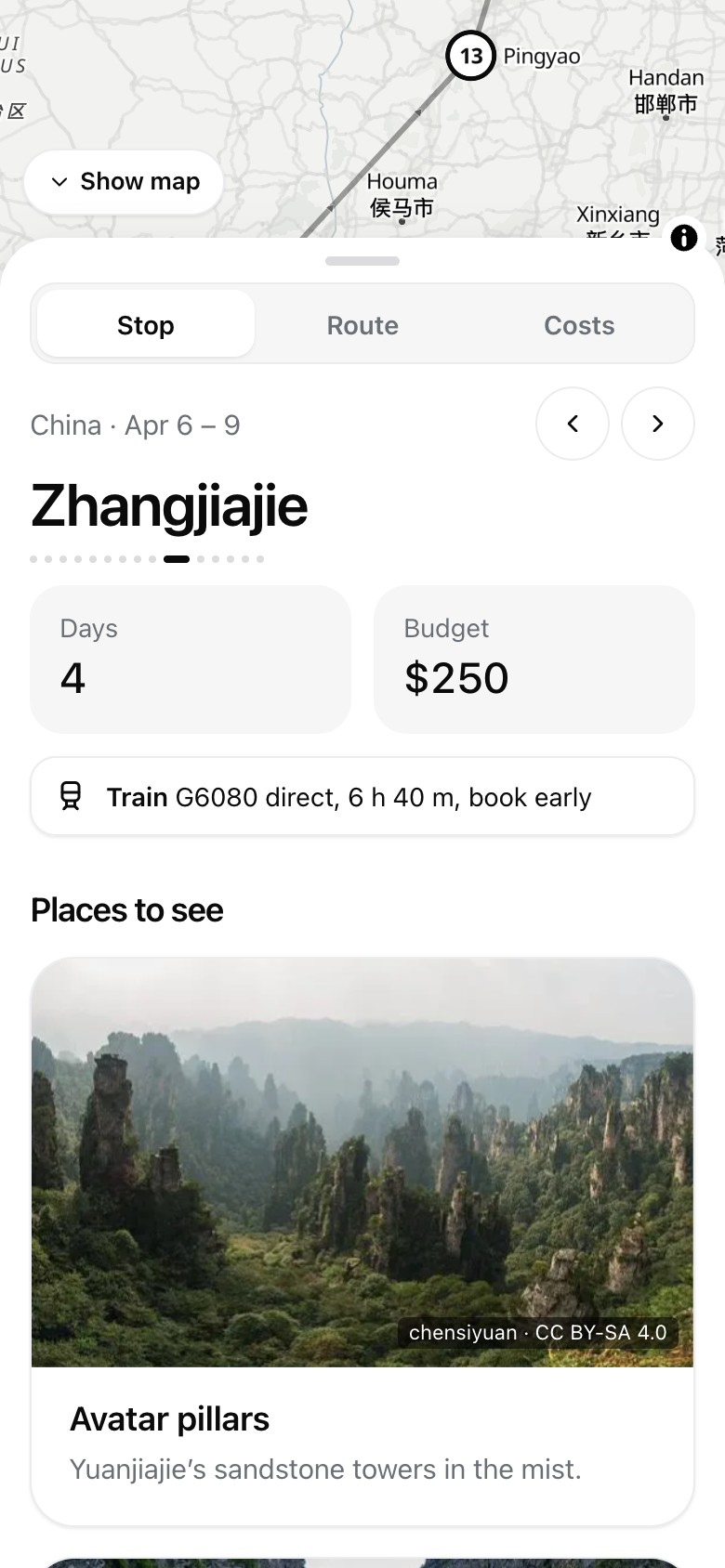
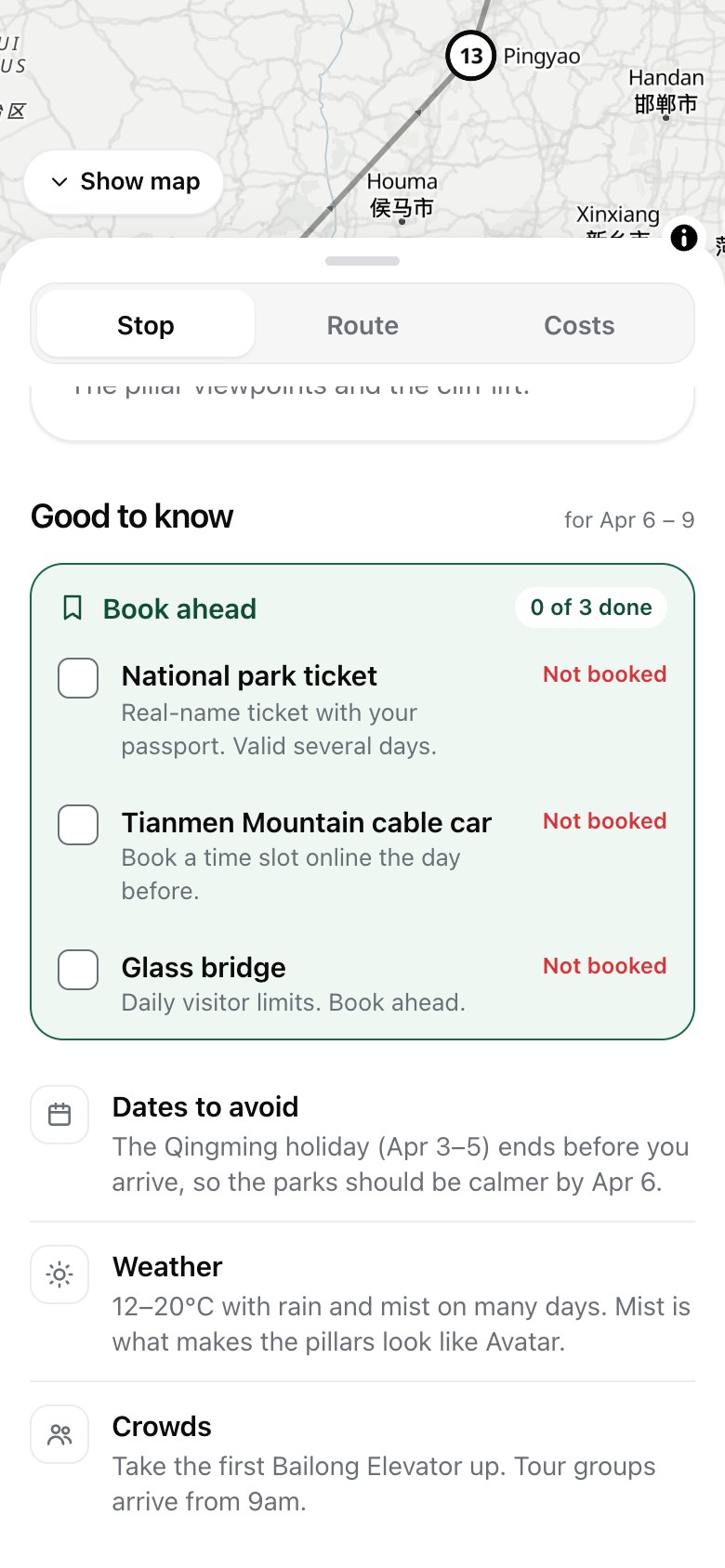
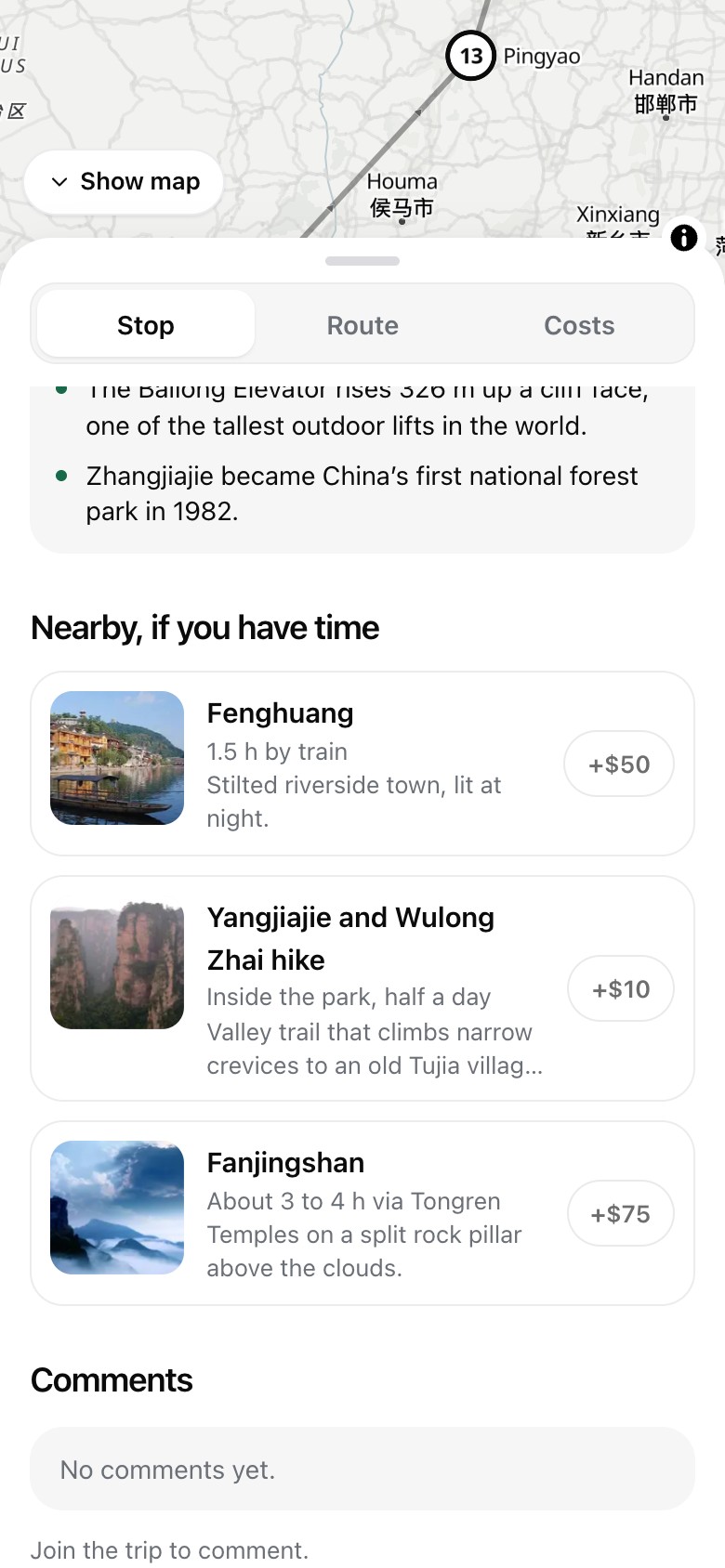
    Drives and walks follow real roads, flights are arcs. Every stop has photos, things to see, things to do and what to book ahead.

  • Costs that add up

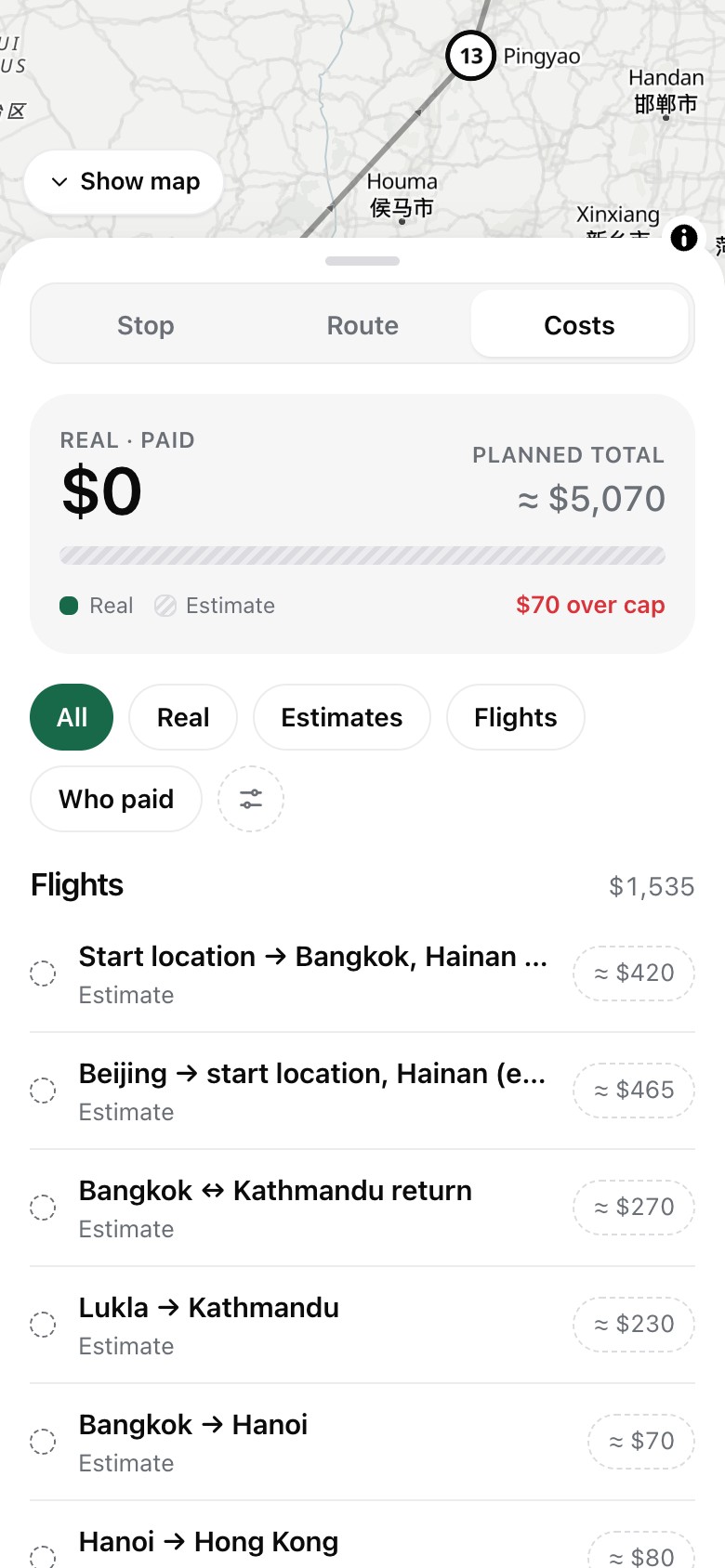
    Estimates for every stop and the trip as a whole, then what you actually paid, set against your budget and split fairly between everyone.

  • Plan it together

    Invite friends by link or email as editors or viewers. Everyone sees the same map and can comment on a stop.

  • Your trip at a glance

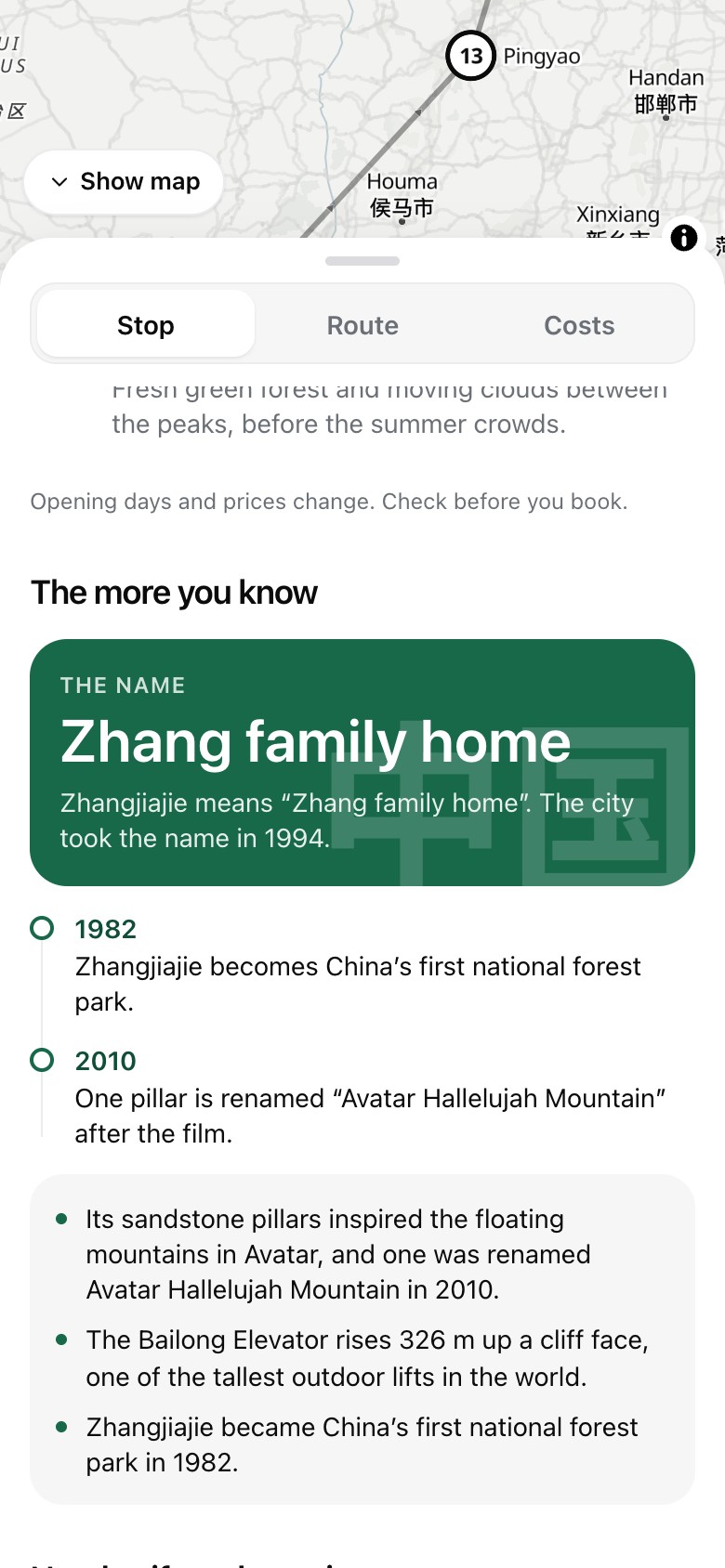
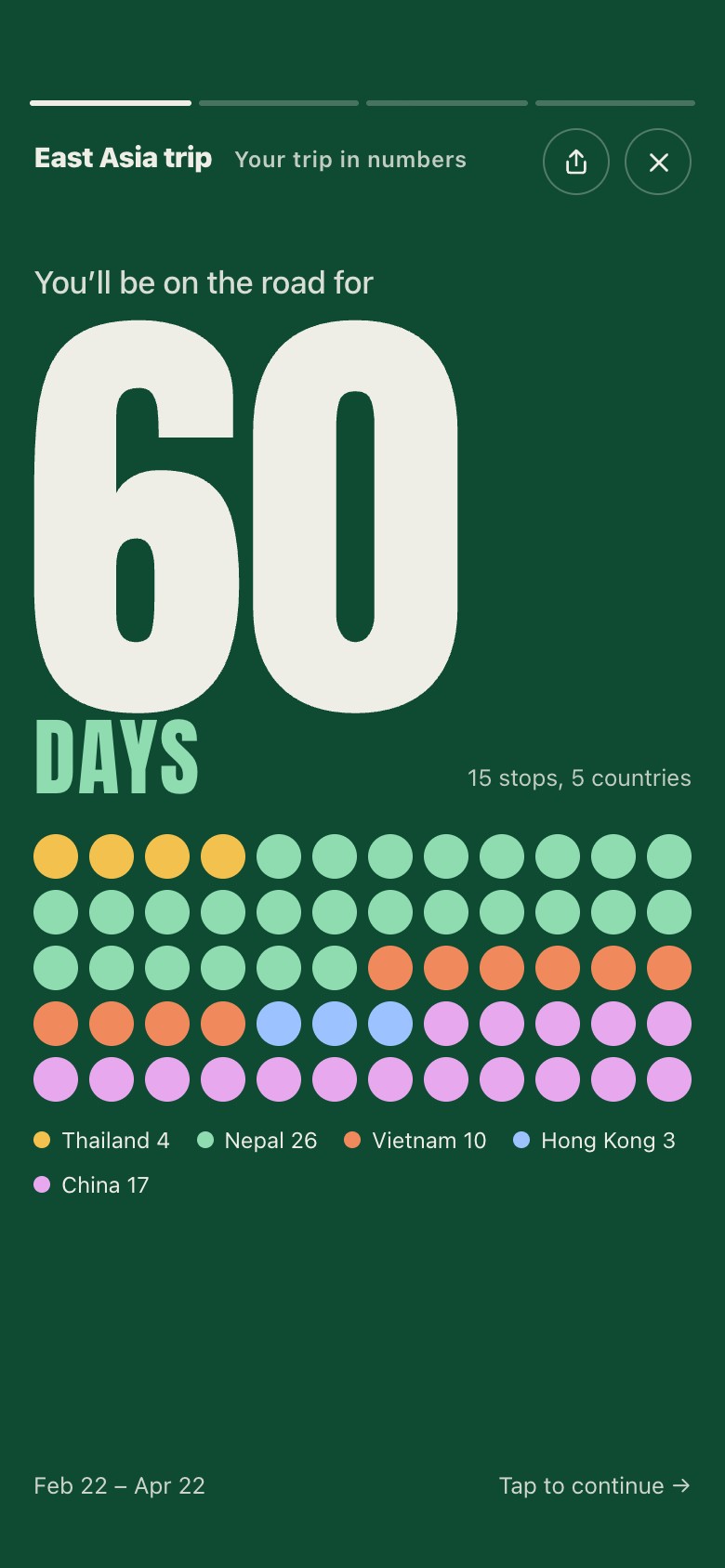
    Story cards sum the trip up: where you stay longest, the highest point, and the one thing people come for.

How it works

  1. 1

    Say where and when

    A destination, your dates and what you can spend. Or start from a blank map.

  2. 2

    Get a full draft

    A route, costs and a guide for every stop, ready in about a minute.

  3. 3

    Make it yours, then share it

    Move stops, add places, track what you spend, and invite your travel partners.

Keep it on your home screen

Waypoint opens full screen like any other app, without an app store.

iPhone
Open the site in Safari, tap Share, then View More, then Add to Home Screen.
Android
Open the site in Chrome, tap the menu, then Install app.